
Renskrift
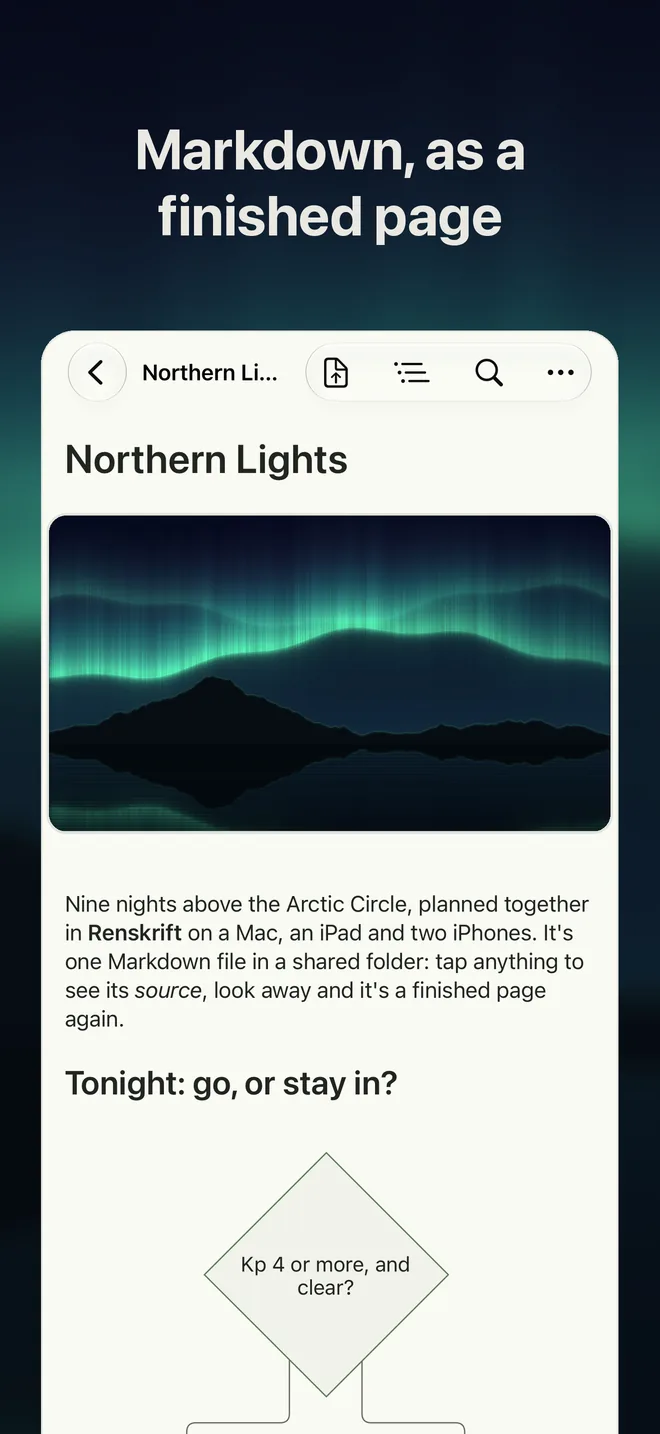
Markdown, as a finished page.
Renskrift shows your notes as a finished page while you write, and leaves your file exactly as it was.
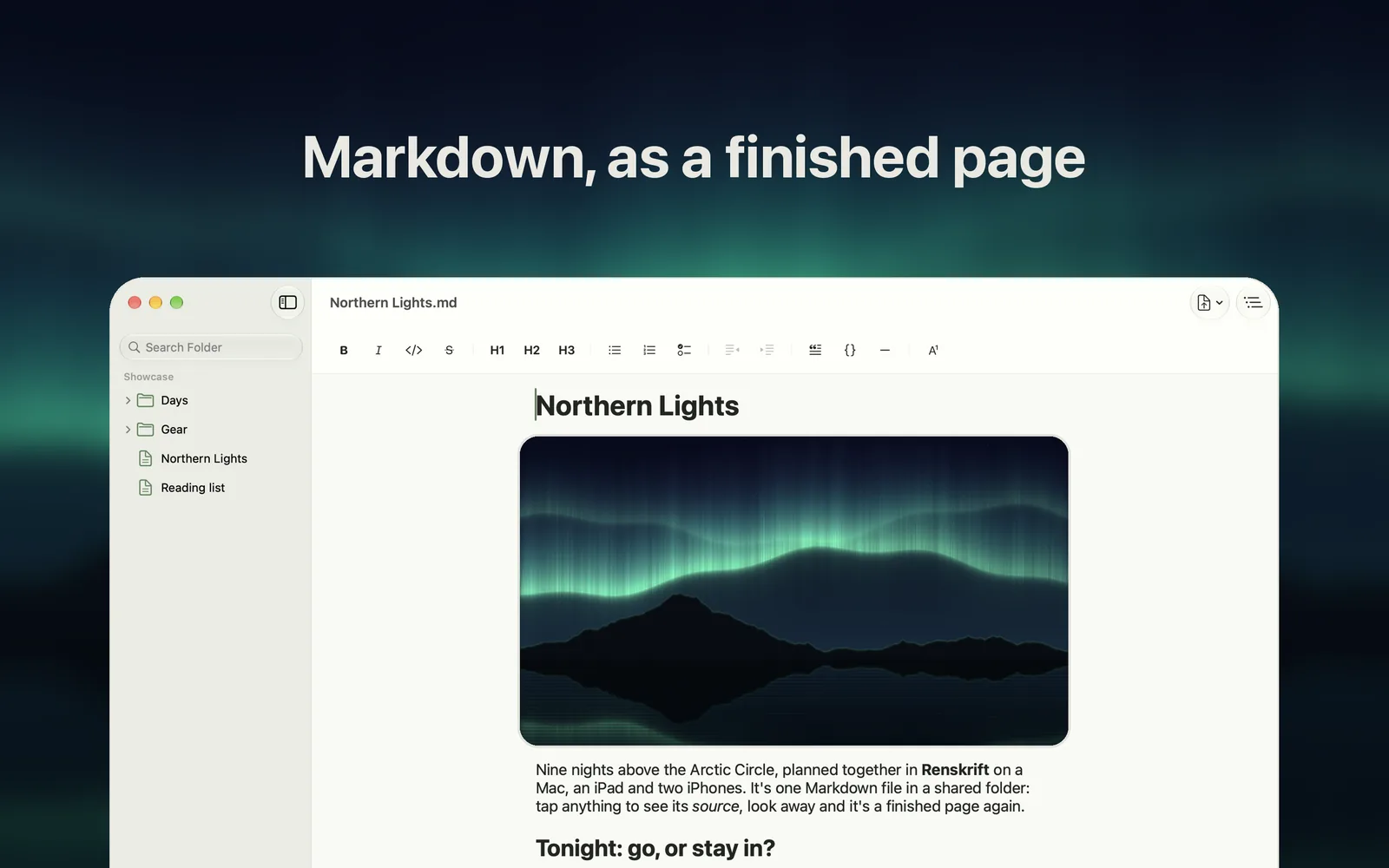
Your file, untouched
Renskrift never rewrites what you didn't edit: no reformatting, no changed line endings, no tidying. Edit one sentence and the change in your file is that sentence. That matters if you keep notes in git, share a folder with other apps, or simply want your writing left alone.
When something else changes your notes
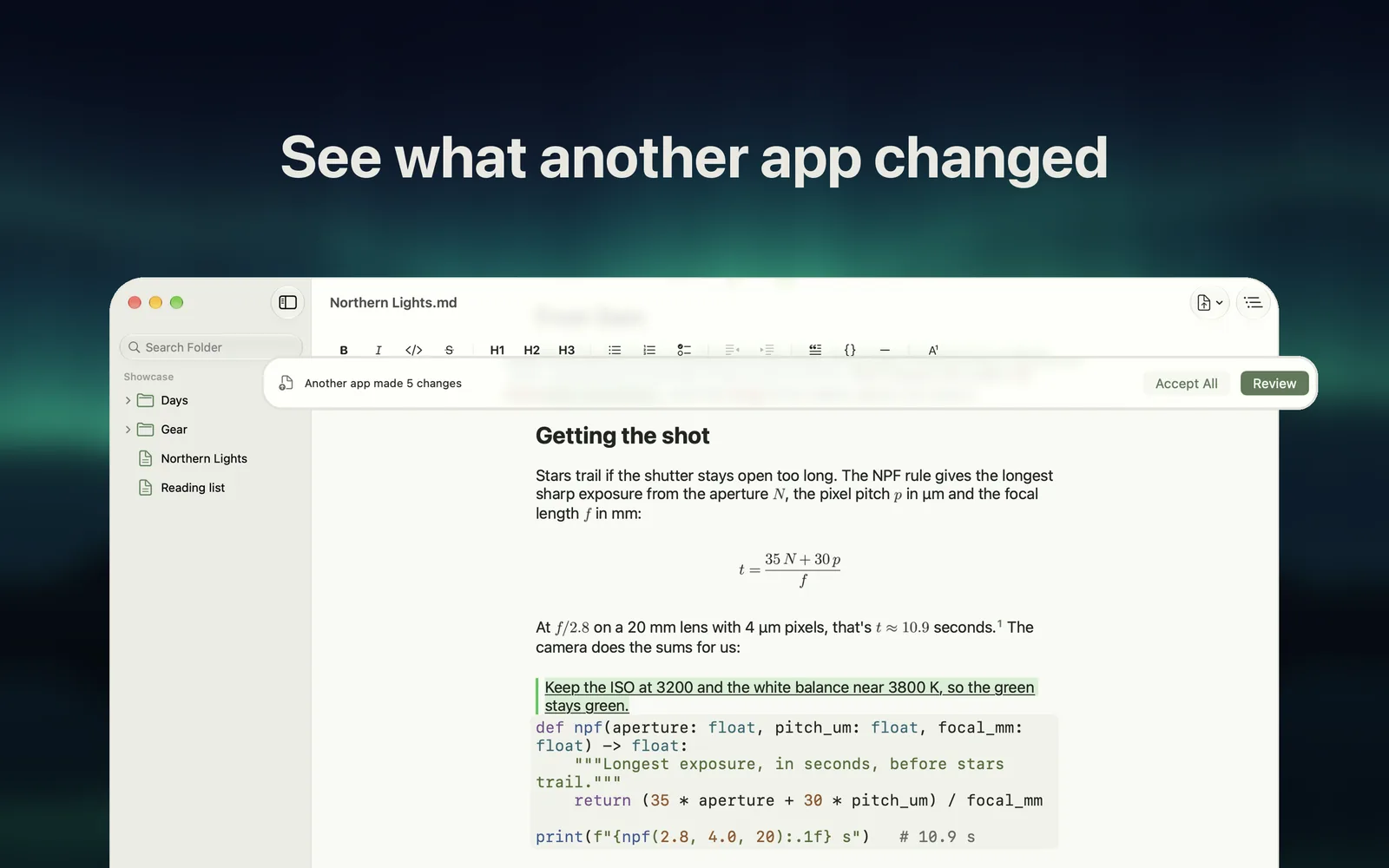
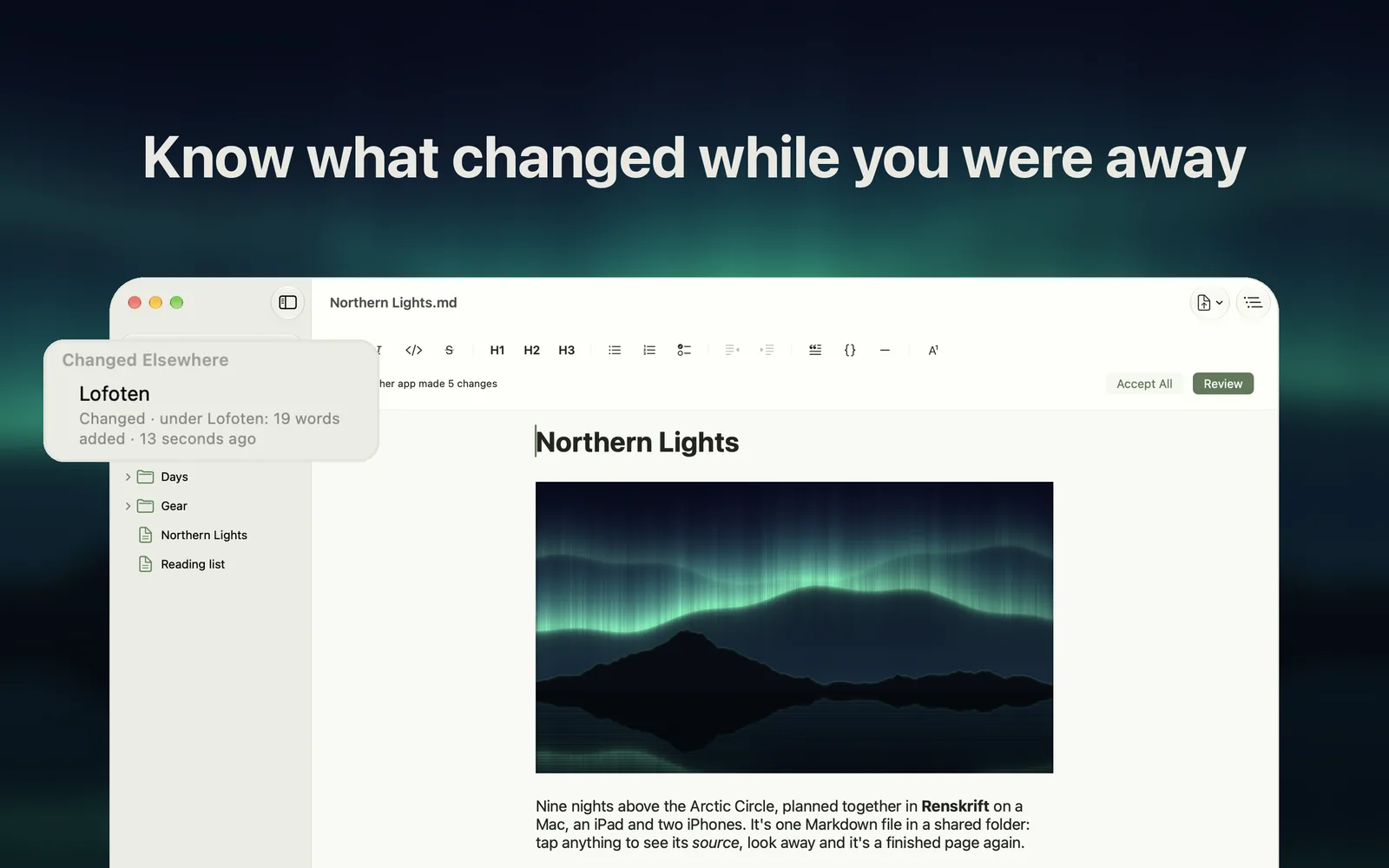
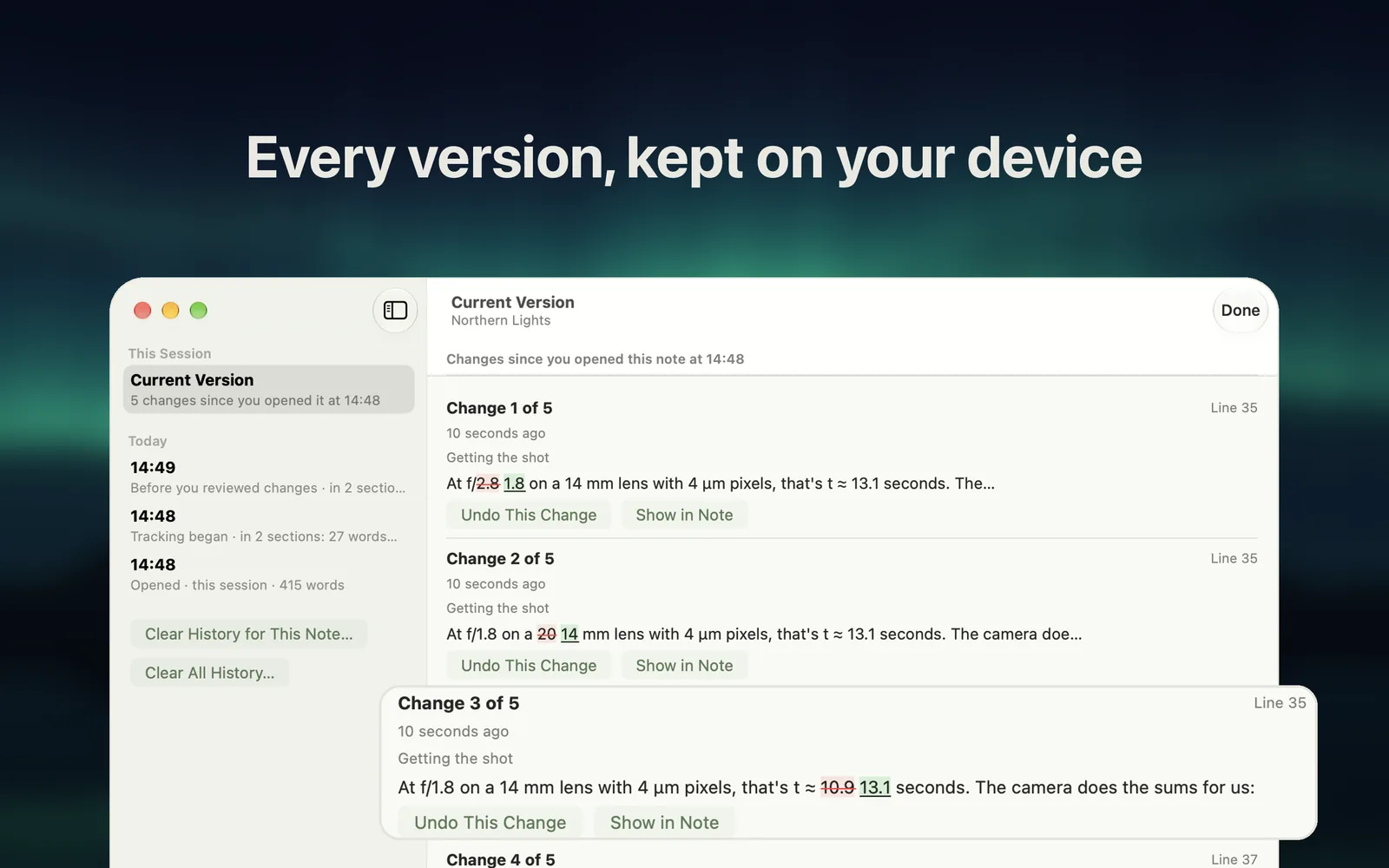
Other apps, sync and AI assistants change files too. When a note you have open changes, Review Changes shows each change in the page, to accept or restore one by one. Changed Elsewhere lists the notes in a folder that changed since you last looked, and the ones removed or moved, with Restore Note to bring one back. Version History keeps earlier versions on your device and shows what each one changed.
Everything drawn as you write
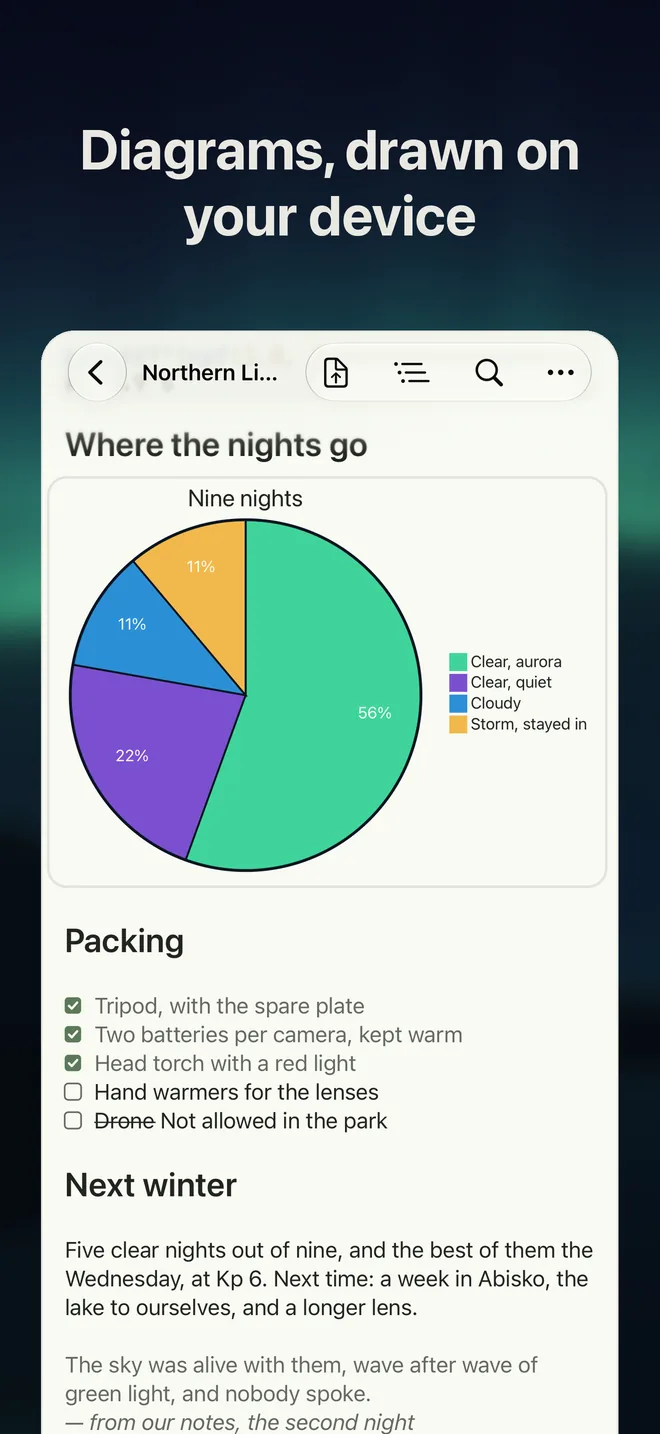
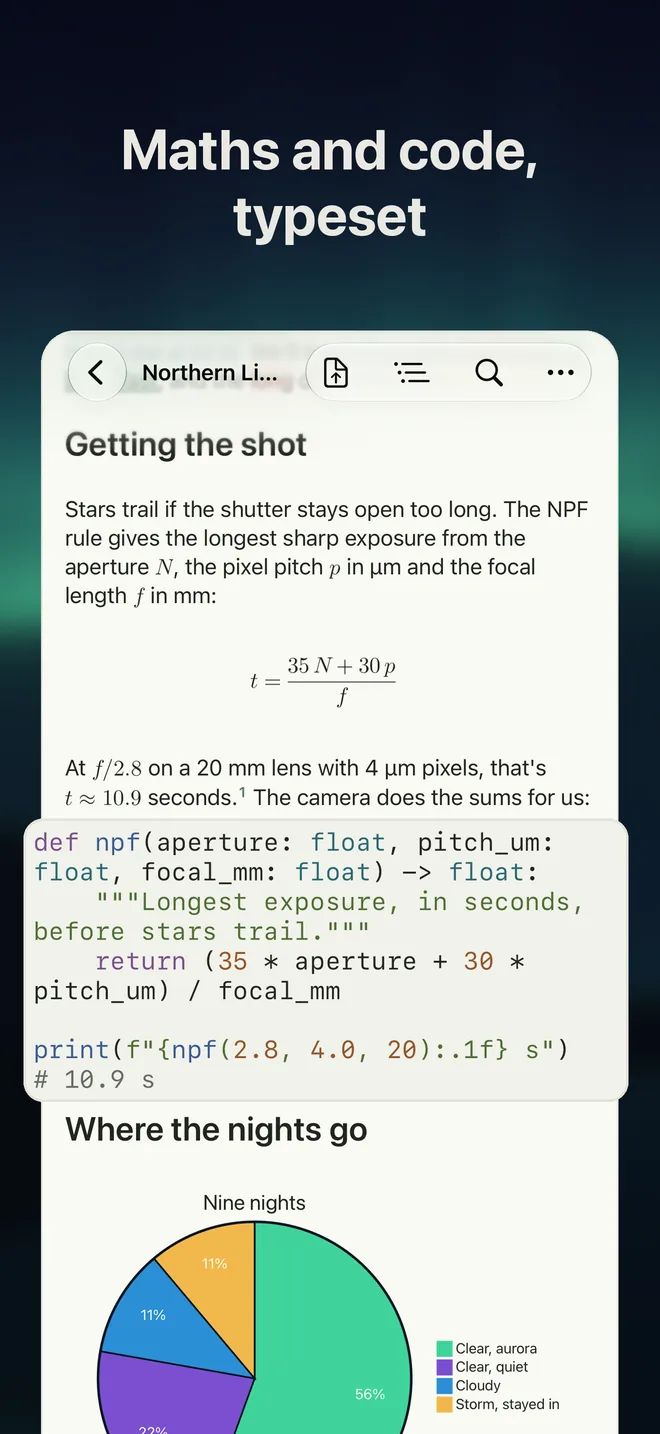
Maths from LaTeX, chemistry included. Mermaid diagrams, drawn on your device. Tables as grids. Footnotes. Highlighted code. Task lists you can tick.
Your folders, your files
Open a folder and work from the sidebar. Wikilinks open the note they point to. Pictures you paste are saved beside the note. Works in iCloud Drive, on your Mac or in any folder, and reads folders kept by other Markdown apps.
Private by design
No account, no tracking, no analytics. Your notes stay in your files. Renskrift collects no data. Read the privacy policy.
One app, three devices
iPhone, iPad and Mac, in English, French, German, Spanish and Italian. Opening, reading, printing and exporting are free. Try writing free for 14 days, then $19.99 once, with no subscription.
Questions
Which devices and system versions?
iPhone, iPad and Mac with one purchase. Requires iOS, iPadOS or macOS 26.5 or later.
Does it work with Obsidian vaults?
It opens folders kept by other Markdown apps and understands Obsidian-style wikilinks and embeds. Renskrift is independent of, and not affiliated with, Obsidian.
Does it sync?
It has no sync of its own. It works with your files where they are: iCloud Drive, your Mac, or any folder you choose.
Is it open source?
No. It is a commercial app and its source code is not published. Your notes are plain Markdown, so nothing locks you in.
Does it use AI or the internet?
Renskrift has no AI of its own and makes no network connections of its own. The one exception, Load Remote Images, is off until you turn it on.
What happens after the 14 days?
Your notes still open, read, print and export. Writing needs the one-off unlock.
Something else? See support.